One reference.
1,440 frames.
A recipe for recreating OpenAI’s Super Bowl film with close observation, generated images, and code.
Read the recipeThe method
Look closely. Break it apart. Build the pieces. Then compare what actually rendered.
Watch for rules.
Pause the original at its cuts and key poses. Record what fills the frame, where the camera moves, and when black turns to white. Translate seconds into frame numbers.
The ocean gives way to the ship at frame 592: 24⅔ seconds.
Separate shapes from subjects.
Draw simple geometry in code: cells, wheels, and diagrams. Generate new grayscale plates for complex subjects: horses, waves, a ship, a train, and an astronaut.
Finish the closing cards with the official OpenAI logo and typeface.
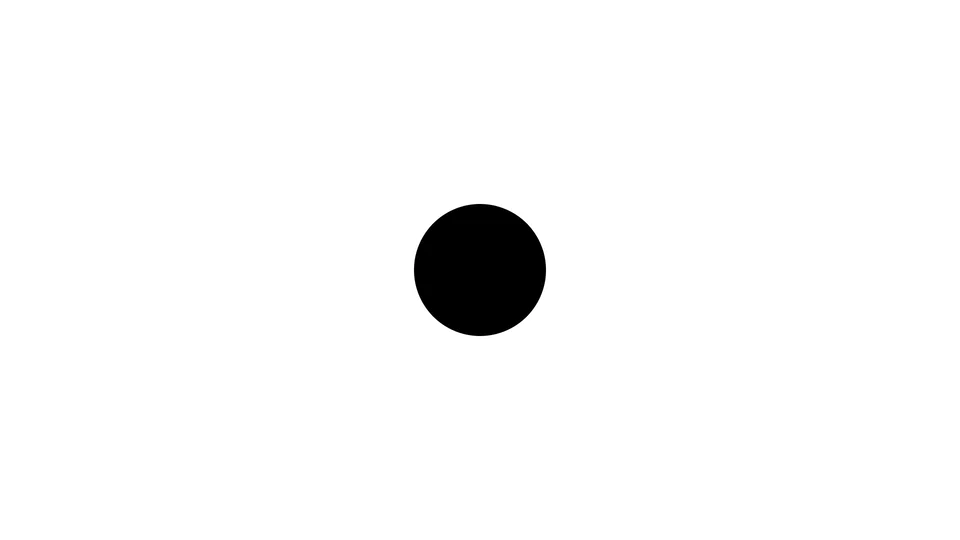 Simple geometry
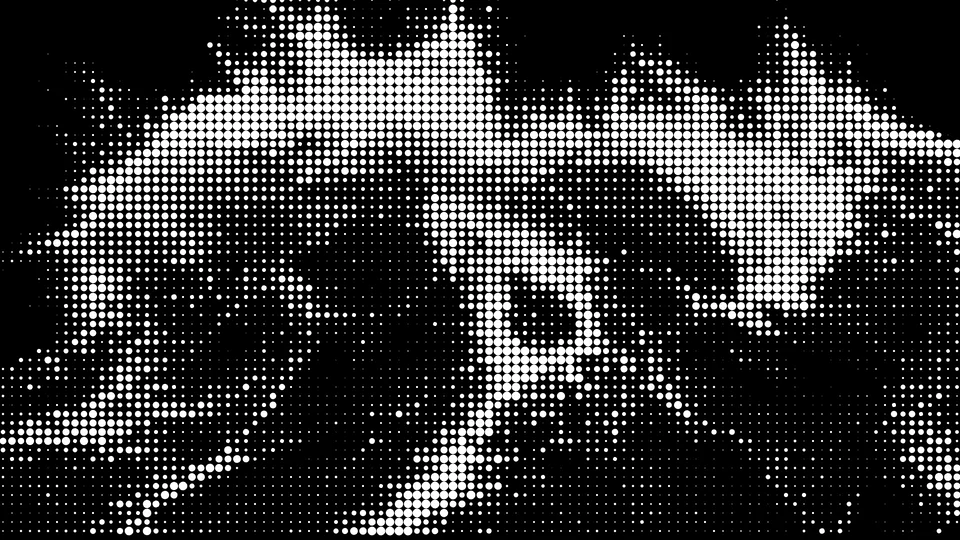 Generated subject
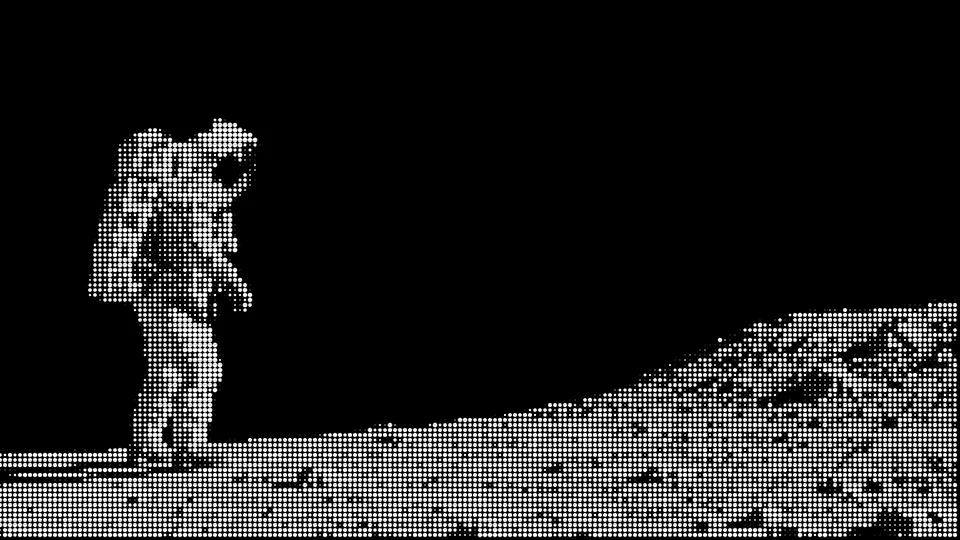 One visual language
Give every image the same texture.
Sample the image’s brightness on a fixed grid. Turn each sample into a circle: more light, more dot area. Keep the grid anchored to the screen as the picture moves behind it.
The image moves. The dot grid stays steady.
Write motion as a function of time.
Use Remotion to control camera pushes, wipes, masks, and transitions by frame number. Add deformation to image plates. Every frame should render the same way when revisited.
Compare, then correct.
Review 120 aligned frame pairs, sampled every half-second. Fix the large differences first: scale, framing, polarity, and cut timing. Then inspect the smaller shapes.
One correction moved the ship’s entrance four frames earlier. Another kept the TV figures fully inside the screen.
Render the whole film.
Export all 1,440 frames and encode with FFmpeg. Check the complete file’s duration, resolution, and playback. For comparison, stack both films at the same timecode and label them clearly.
Serve side by side.
Or, in this case, stacked.
The finished comparison pairs the recreation above the original. A narrow divider and persistent labels keep the two easy to follow.
- Picture
- 4:5 comparison, full 16:9 frames
- Sound
- The original commercial’s audio
A reconstruction, with visible differences. Some poses, shapes, and transitions remain approximate. Generated plates provide motion through deformation and camera movement.
Download comparison